
In this article
More clicks from Google do not establish that your business received more bookings. Evaluate search performance, website activity and business records separately.
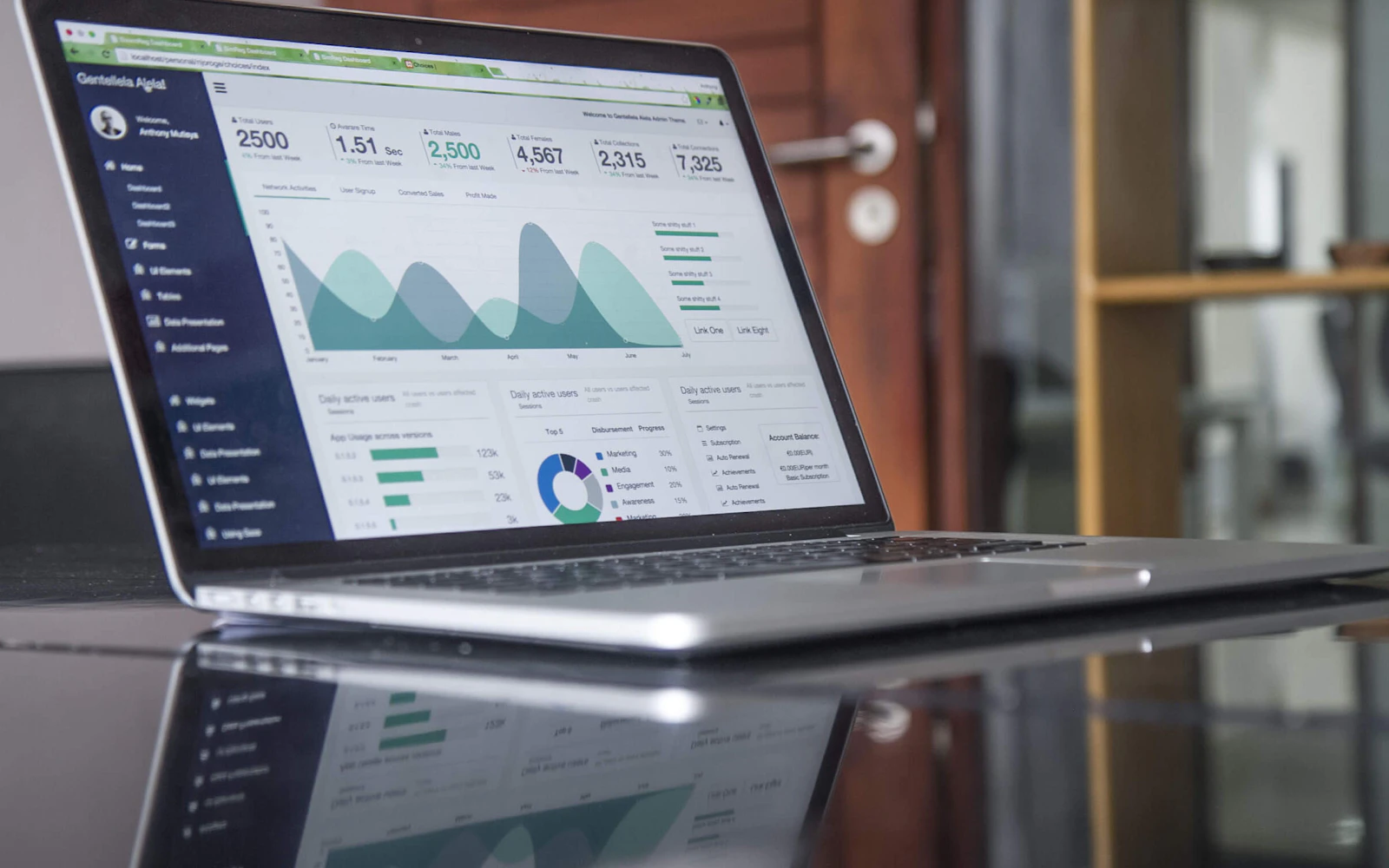
TurizmPlus SEO lets you inspect connected Google Search Console and Analytics data. Start by agreeing what each measurement represents.
Use Search Console to examine search performance
Search Console reports impressions and clicks in Google Search. Choose an important room, villa or tour page and investigate the queries through which people find it.
Record the date of a title change. In later reviews, use the same page, comparable periods and the relevant customer market. Note holidays, seasonality and price changes too.
Check which activity Analytics measures
You need to set up tracking before Analytics can report website activity. In GA4, an event important to the business can be marked as a key event.
Keep contact and sales stages distinct:
| Measured activity | Stage it represents |
|---|---|
| Clicking a WhatsApp or telephone link | Intent to make contact |
| Successfully submitting a quote form | A recorded enquiry, if tracking is correct |
| A booking-confirmation event | A recorded booking signal, if tracking is correct |
One person may click a link several times. Do not present event counts as unique customers or reservations.
Review tracking across an external booking engine
If guests move to another booking engine, the tracking setup needs to cover that journey. Clicking the booking button and completing a reservation are separate steps.
Compare measured events with real enquiry and reservation records to validate the setup. Missing tracking does not establish that sales are absent. Access to Google reports also does not mean that a booking-system integration exists.
Evaluate one page change
Record the page, the date and the purpose of your improvement. Then review search clicks and correctly configured enquiry or booking measurements. Include the observation period in the report.
If a new description, a price change and the start of the season happen together, do not attribute the result solely to SEO. State any gaps or limits in the data in your report.
TurizmPlus SEO helps you review visits to important pages alongside correctly tracked contact, enquiry and booking activity. Keeping those steps separate helps you decide which parts of the booking journey need closer review. Our product overview gives practical examples for hotel, villa and tour pages.
Explore the SEO Platform and choose a room, property or tour page for your first review.